Understanding Portal's Security
VIDIZMO provides a comprehensive set of security measures to ensure the protection of data and privacy for its users. These measures can be easily configured according to an organization's specific needs and can be found under the Control Panel of a Portal. Some of the security options available on VIDIZMO include:
Portal's Security Policy
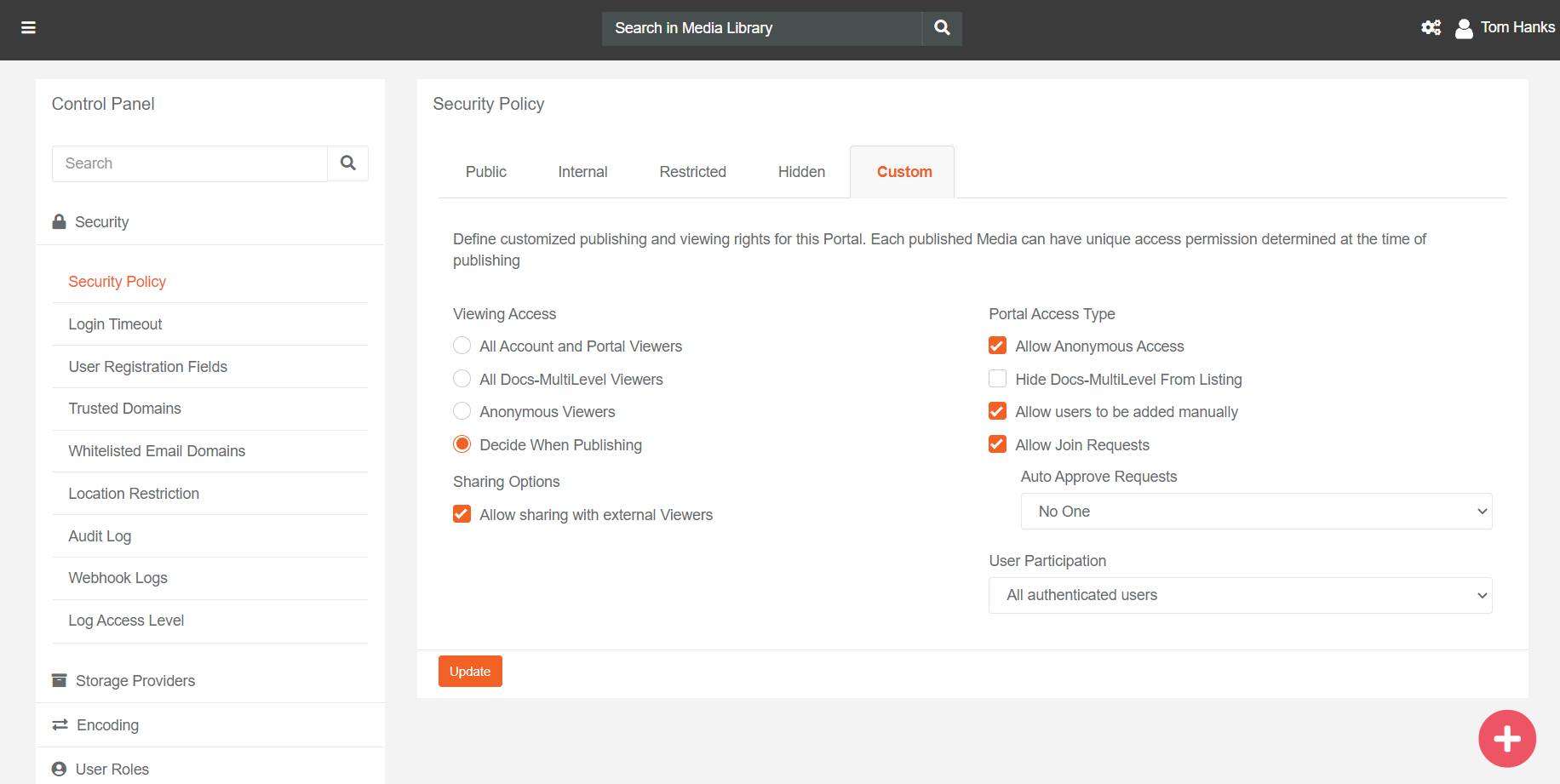
Security Policy in a Portal enables users to define governance controls that determine who can access your Portal and view media published in the Library of your Portal.
In VIDIZMO, Security Policies are preset configurations based on common customers requirements including a Custom option for those who prefer to customize their settings to meet specific business requirements. These preset Security Policy types are:
- Public: This is specifically designed to make the content accessible to all, whether registered or anonymous users.
- Internal: This is designed to make content accessible by all Account (main Portal) and sub-portals users.
- Restricted: This Security Policy is designed to help limit access to only Portal users.
- Hidden: It is designed to limit Portal's viewing ability for Portal users only and also hides the Portal from being listed on other Portals.
- Custom: This security policy enables the customer to set their own options for access control.
Read further about Security Policy types here: Understanding Portal Security Policy.
Note: Public/Anonymous Access is not applicable for Digital Evidence Management Product
Login Settings
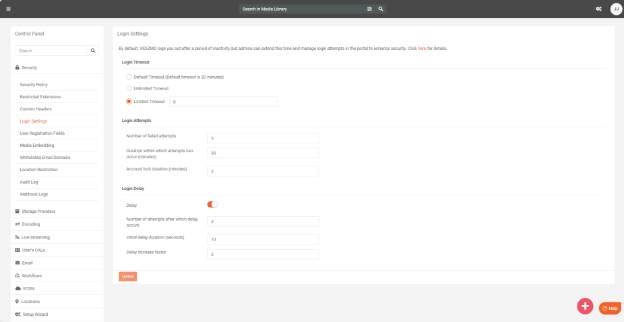
A user can manage its portal login settings, including login timeout and configure login attempts. The Login Timeout option enables you to set a period of inactivity, after which the users may automatically be logged out for increased security. The default timeout is 20 minutes but can be modified to an Unlimited or Limited time as required by the users.
In the VIDIZMO portal, users can set up controls for login attempts to boost security and prevent unauthorized access. You can decide how many failed login attempts are allowed in a row before the account gets locked and for how long it stays locked. There's also an option to add a delay before another login attempt can be made after a specified failed login attempt.
You can learn about setting login timeout here: Manage Login Settings in VIDIZMO.
User Registration Fields
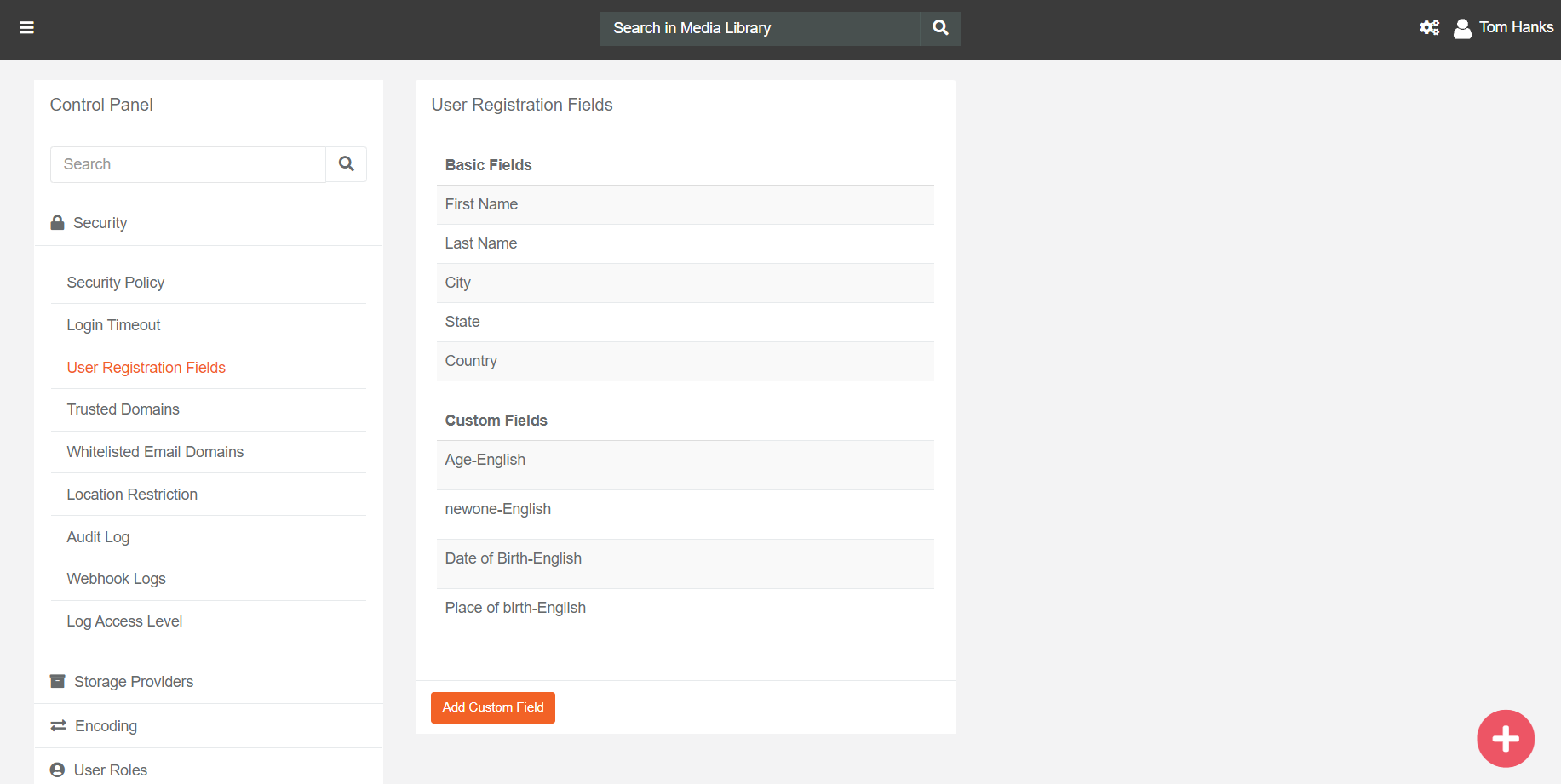
There are some basic fields that a user must define while registering for a Portal, such as First Name, Last Name, City, State, Country etc. Moreover, VIDIZMO allows you to add any custom registration field that should also be defined for every user joining the Portal, such as Department, Email etc.
You can learn about adding custom fields here How to Add Custom Field to Join Channel Form.
Whitelisted Email Domains
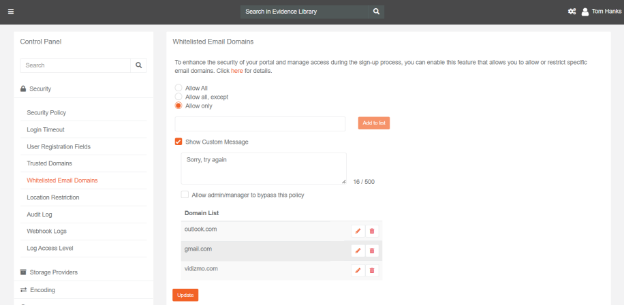
As an organization, data's accessibility and outreach is of elemental concern. Organizations may choose to limit sign-ups to only those users who have an email address with a domain that you have pre-approved. This can help you maintain control over who can access your product and protect it from potential security threats.
To use this feature, simply go to your account settings and add the domains you want to whitelist. Any users who attempt to sign up with an email address that does not match one of your approved domains will be denied access.
Read more about how to do it here: Understanding Whitelisted Email Domains.
Read How to Whitelist Email Domains.
Location Restriction
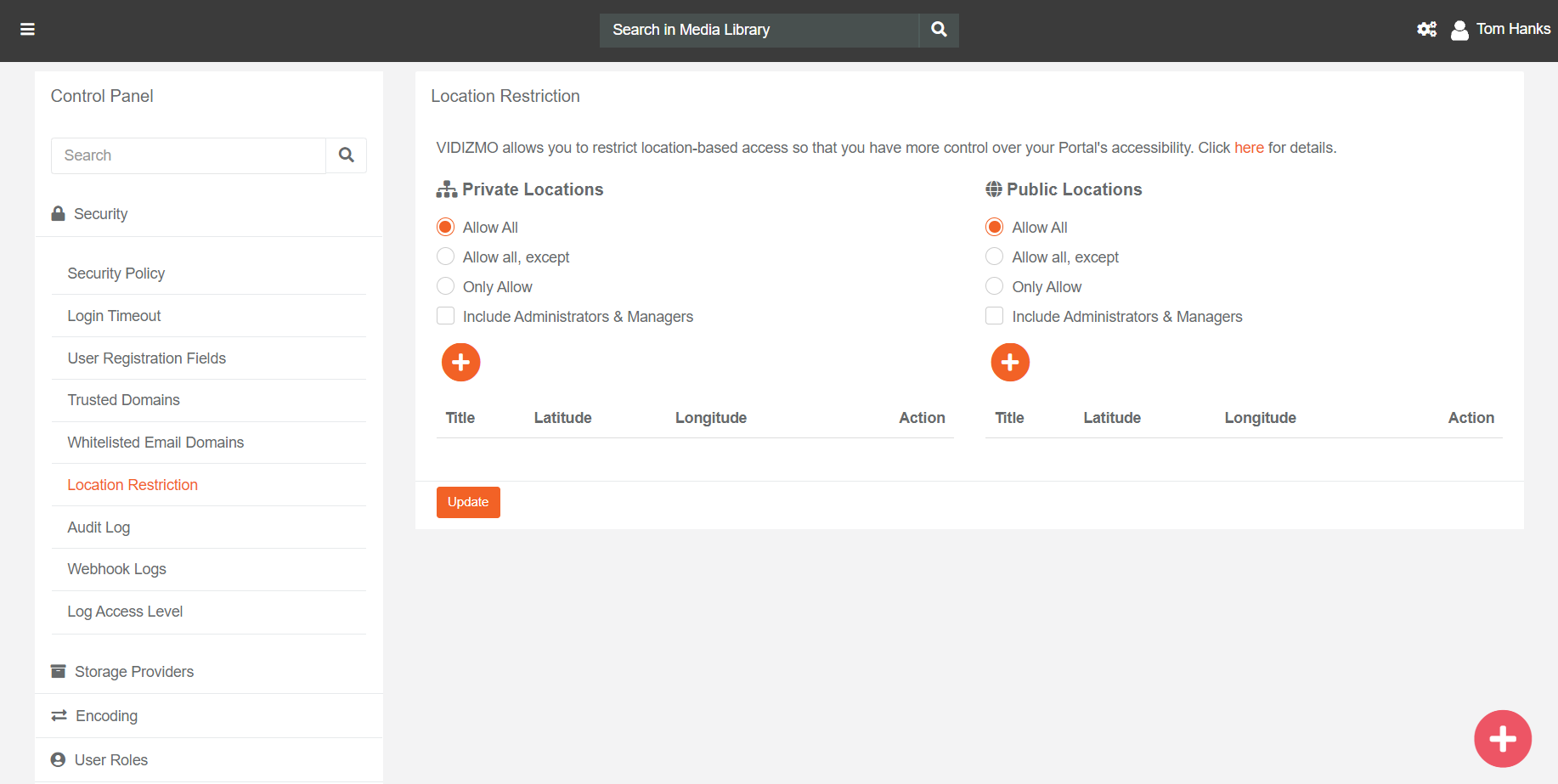
VIDIZMO's Location Restriction feature allows enterprises to limit content playback in restricted regions using a subnet of blacklisted IP addresses. With this feature enabled, user requests are declined by VIDIZMO if they are being generated from any of the IP addresses enlisted in the restricted locations.
Read more about Locations in VIDIZMO here: Understanding Locations
Read about how to restrict locations here How to Restrict Specific Locations from Accessing Content
Audit Log
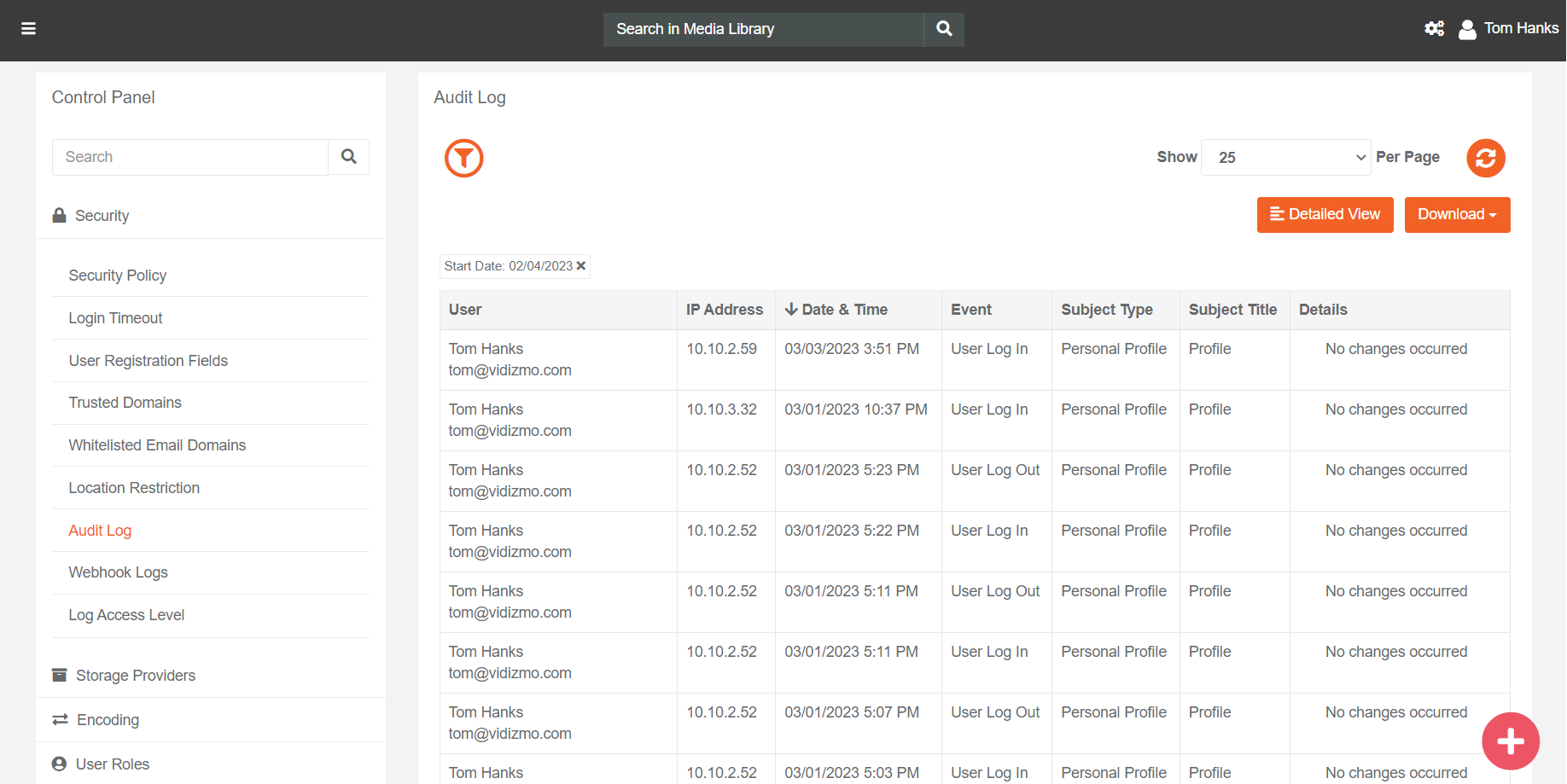
An audit log also referred to as an audit trail, is a chronological record of the data, documenting the sequence of operations performed by the users of the Portal relating to any activity such as login, profile updating, adding, deleting media etc. In most cases, audit logs are maintained for security reasons, tracking who is accessing what and when.
Read more about it here: Understanding Audit Logs
Learn How to View and Export Audit Logs
Webhook Log
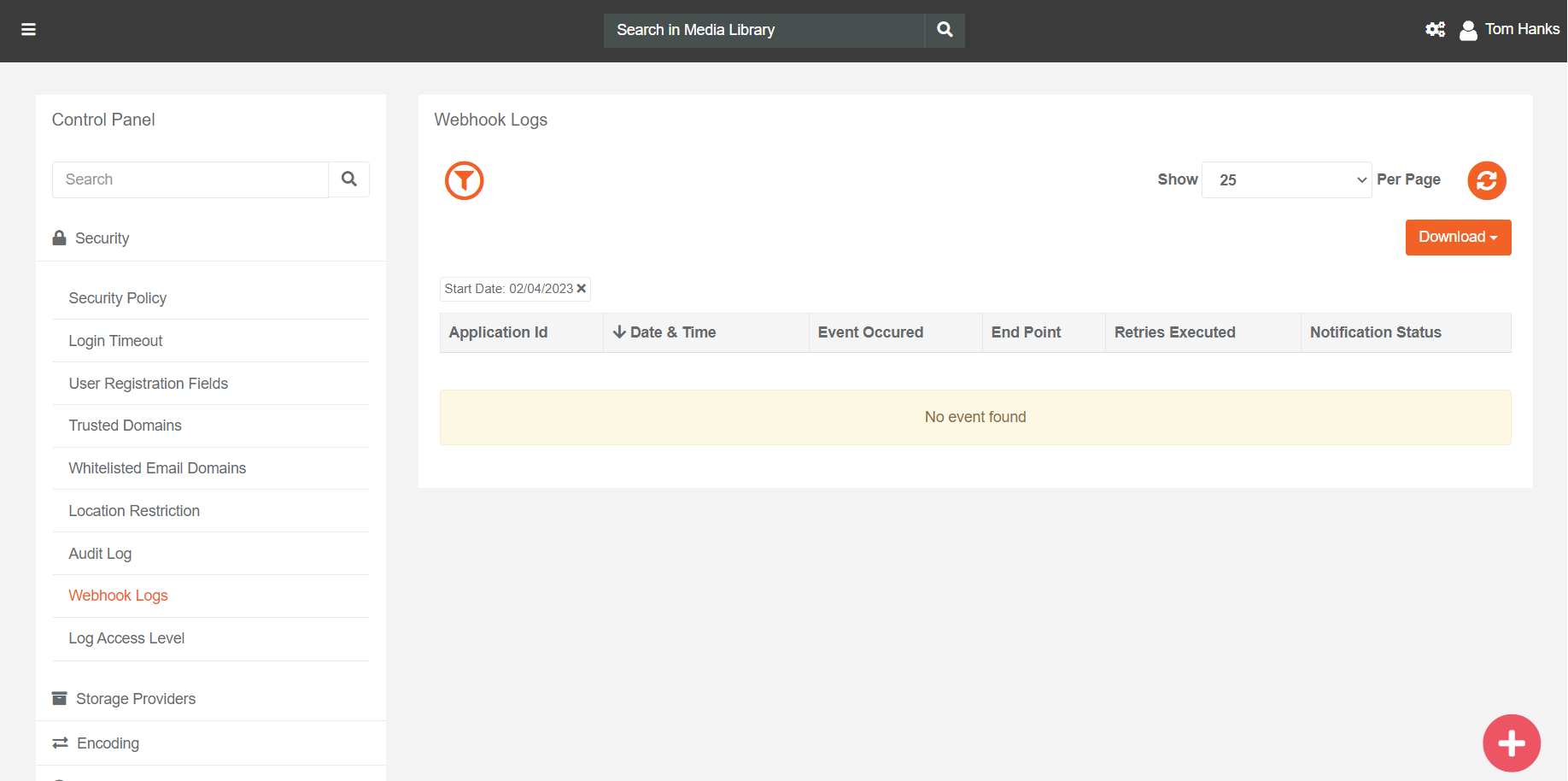
VIDIZMO provides its users with a dedicated log to monitor the status of their webhook notifications. This log keeps a record of all the webhook events that have been pushed, including successful attempts as well as failures. This log can be accessed from the Portal Settings of a Portal and provides detailed information about each event.
Read more about it here: Understanding VIDIZMO Webhooks
Read How to Create VIDIZMO Webhook App
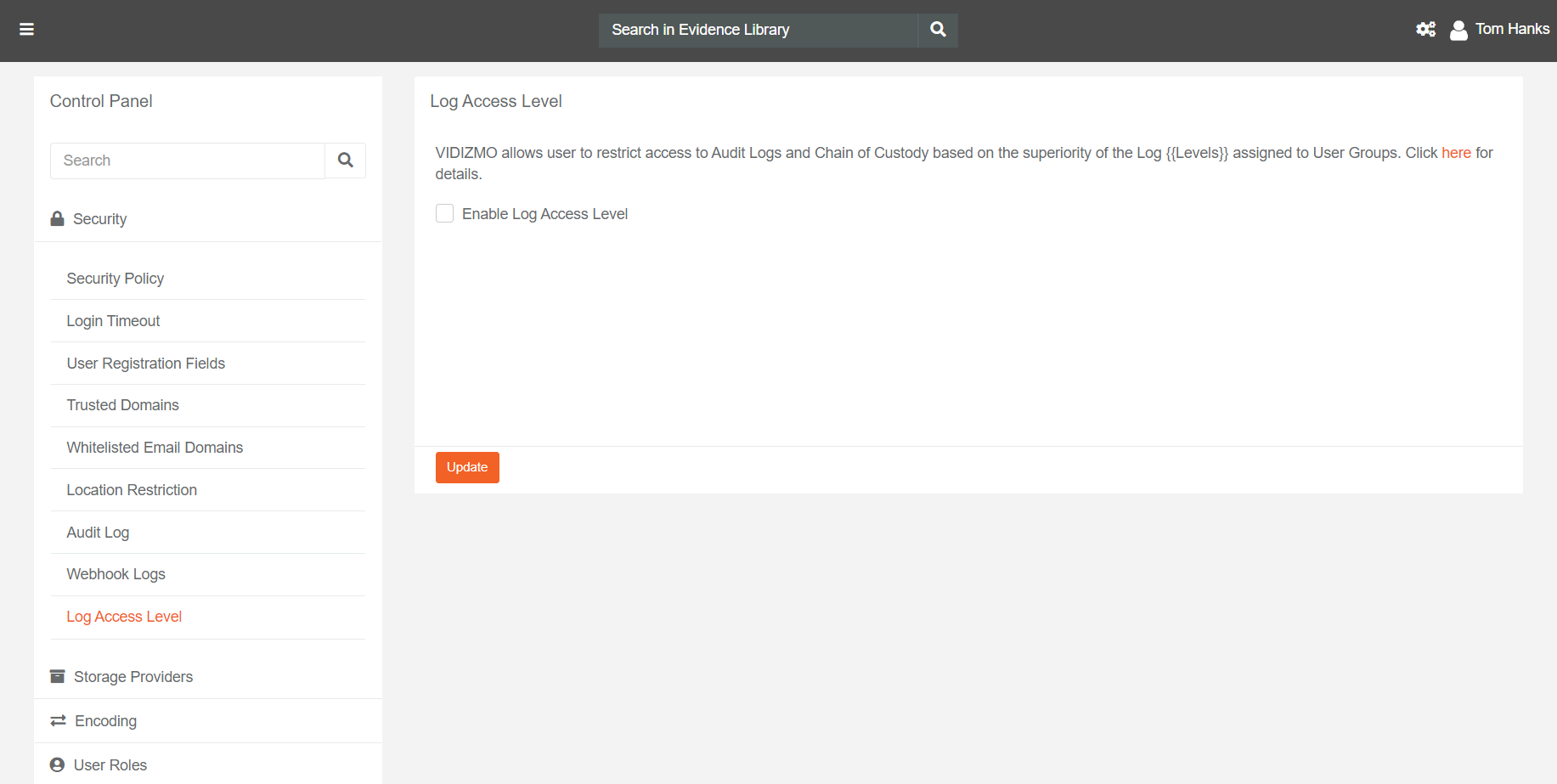
Log Access Level
In Law Enforcement Organizations, there are multiple teams which include a Case Investigation Team and a team that is responsible for Auditing and Monitoring the activities of the former team. Utilization of a single Portal of Digital Evidence Management is a probability in these cases. Hence, it is essential to limit access to certain content, settings, and especially Audit Trails for any organization's utmost security.
Read more about it here: Understanding Log Access Levels
Learn How to Enable and Assign Log Access Level
Restricted Extensions
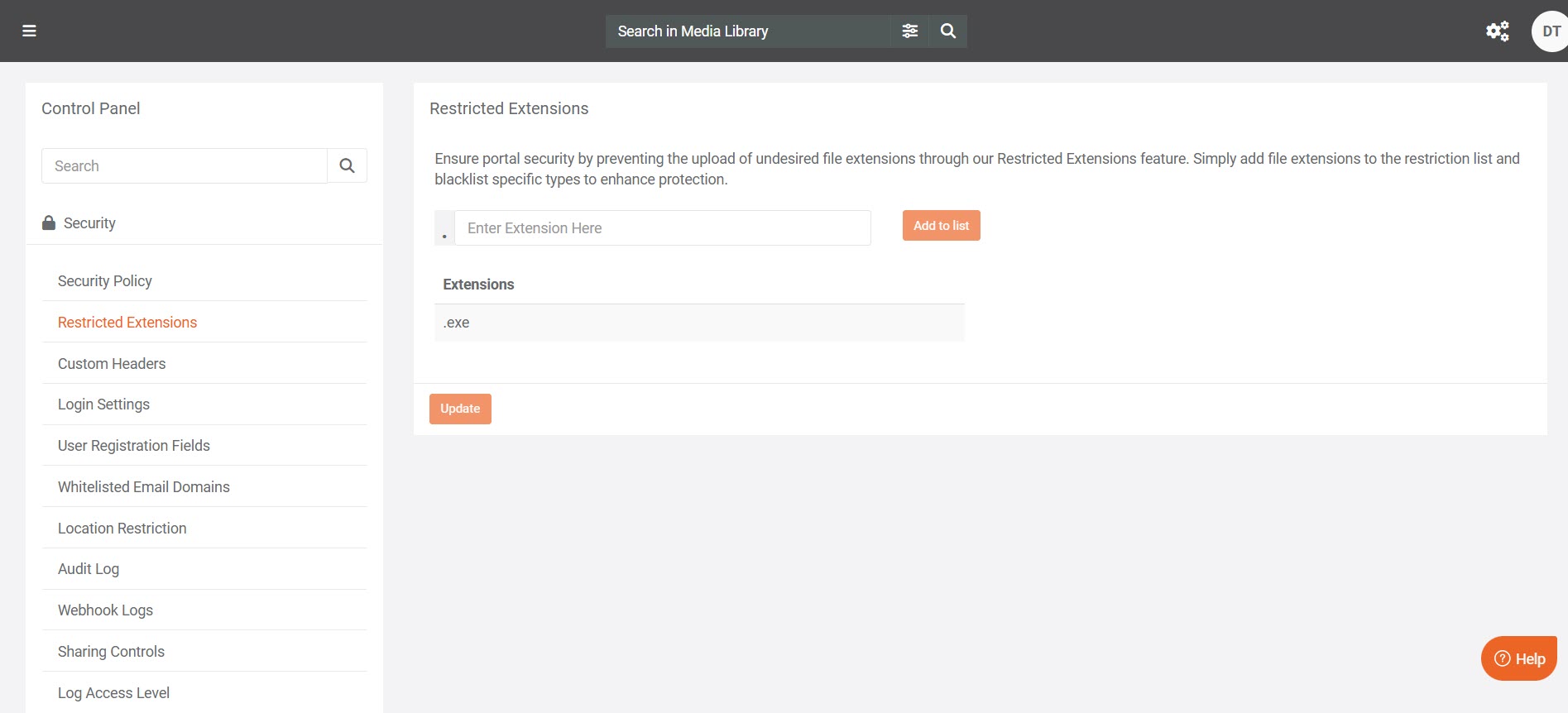
VIDIZMO enables organizations to define and manage a list of file types that are considered unsafe or unnecessary within their environment. This capability provides an added layer of security and administrative control over the content uploaded to the portal.Through the Restricted File Extensions feature in the Control Panel > Security, admins can define and manage a list of unsafe or unwanted file extensions. By blacklisting specific file types, organizations can prevent the upload of undesired content and maintain a secure, compliant environment.
Read more about it here: Enhancing Security and Control with Restricted File Extensions
Custom Headers
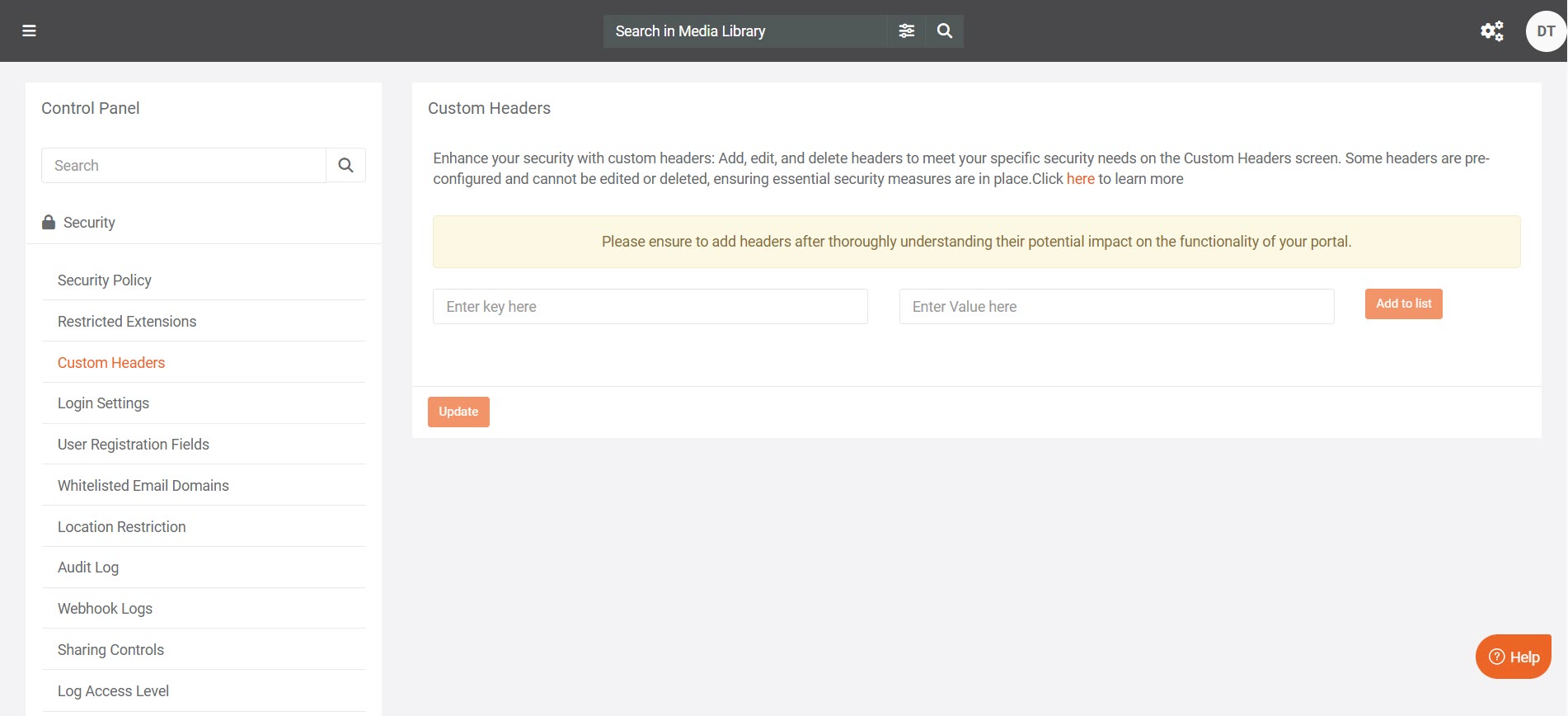
Enhance your portal’s security with Custom Headers in VIDIZMO. This feature allows portal managers to add, edit, or delete HTTP headers to meet specific security requirements and strengthen communication between clients and servers. The Custom Headers feature provides flexibility to configure headers that align with your organization’s security policies, helping to mitigate potential vulnerabilities and improve overall security posture.
Read more about it here:Enhancing Security with Custom Headers in VIDIZMO
Learn: How to Use Custom Headers for Enhanced Security in VIDIZMO
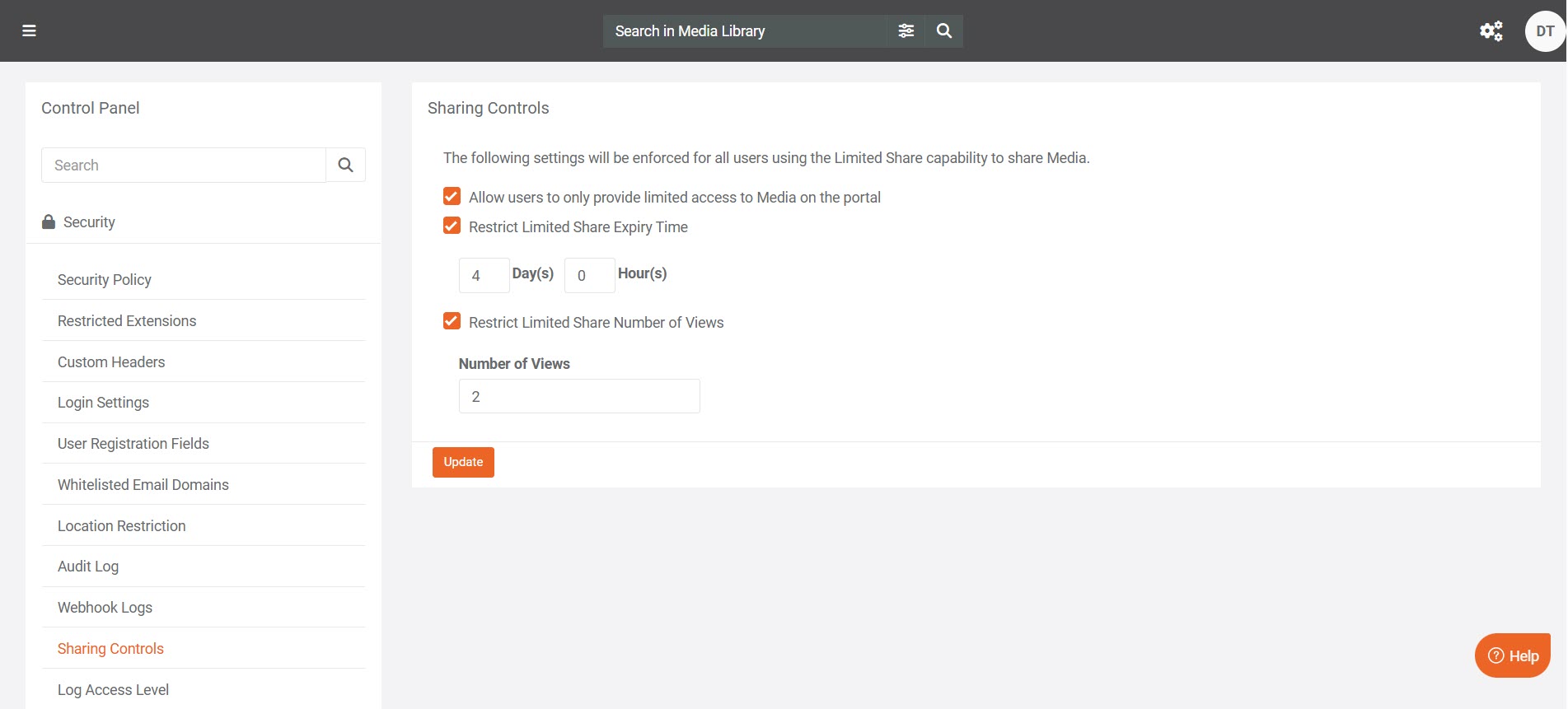
Sharing Controls
Use Limited Sharing in VIDIZMO to control how media files are shared outside your portal. This feature lets portal managers create secure, time-bound share links that automatically expire, reducing the risk of unauthorized access.Portal managers can enforce portal-wide policies for link expiry and restrict users from setting custom durations. They can also limit sharing to time-bound URLs and define global viewing or editing permissions, ensuring consistent and secure external sharing across the portal.
Read more about it here: Limited Sharing with Viewing & Editing Rights
Learn: Configure Limited Sharing Across the Portal